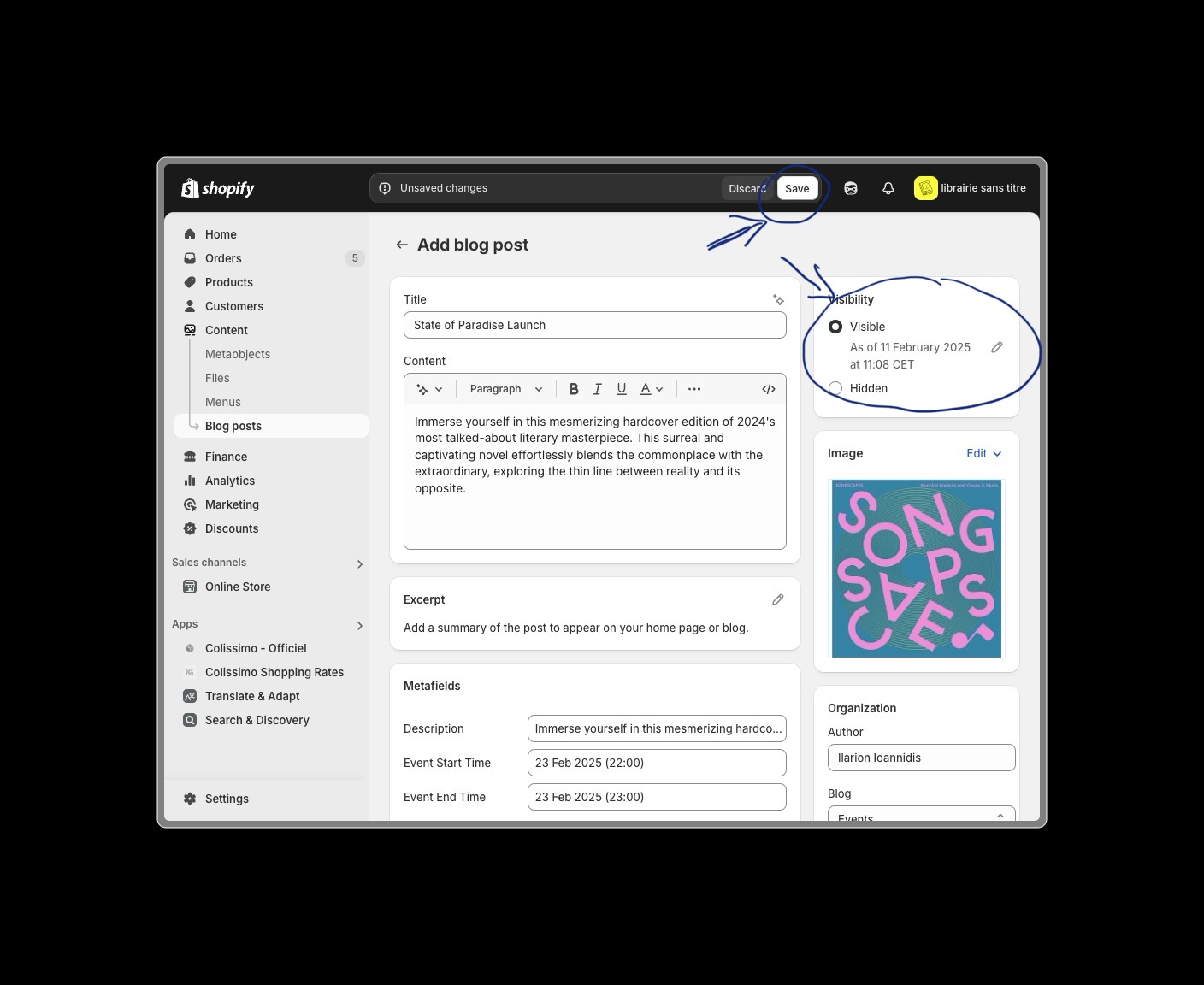
Creating Events
This guide will walk you through the process of creating and publishing events on your Shopify store.
Overview
Events are created using Shopify's blog functionality with a custom event template. This allows you to showcase upcoming events, workshops, book launches, and other activities at your bookstore.
Step-by-Step Guide
1. Access Shopify Admin
- Navigate to Shopify Admin https://librairie-sans-titre-2.myshopify.com/admin
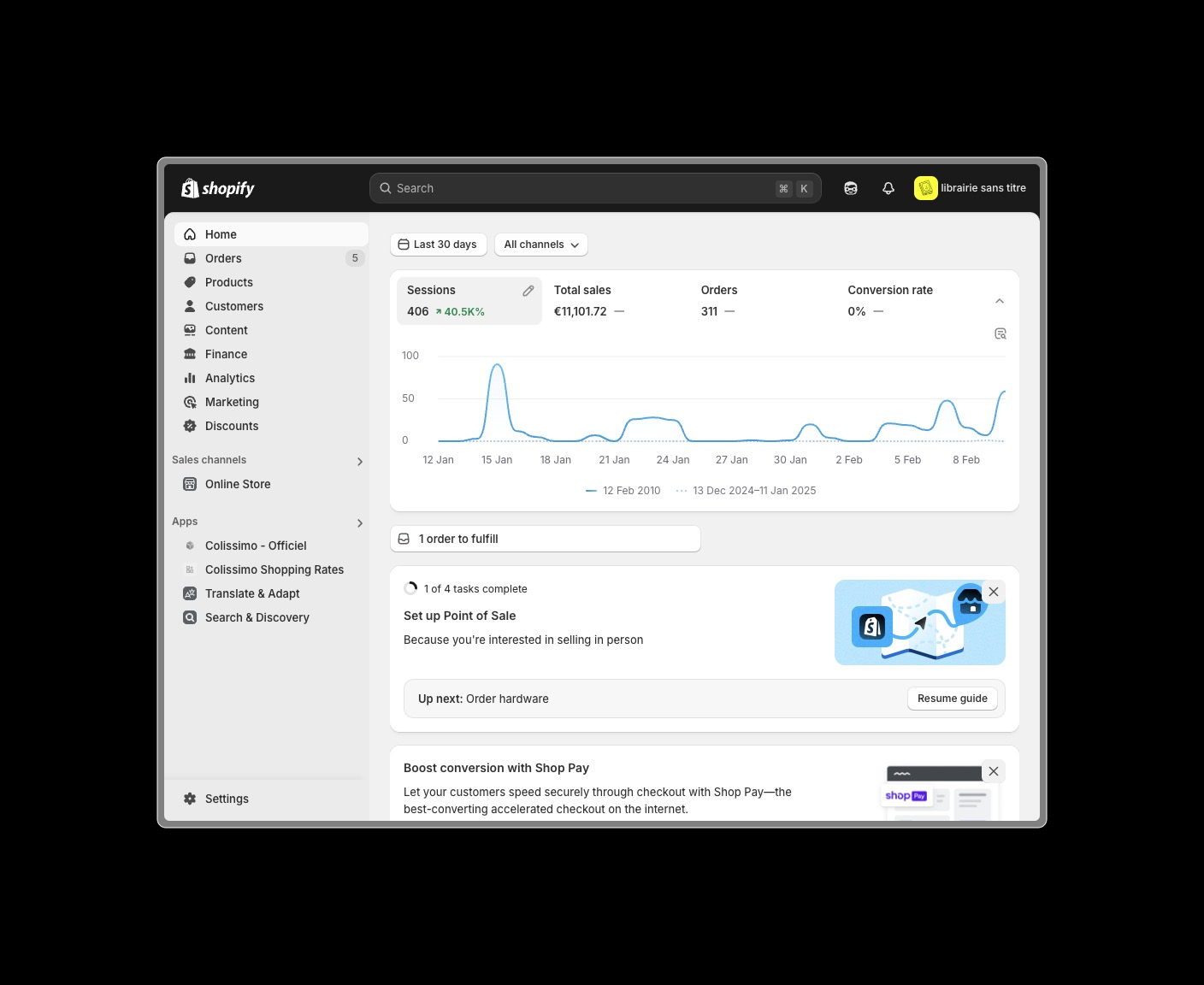
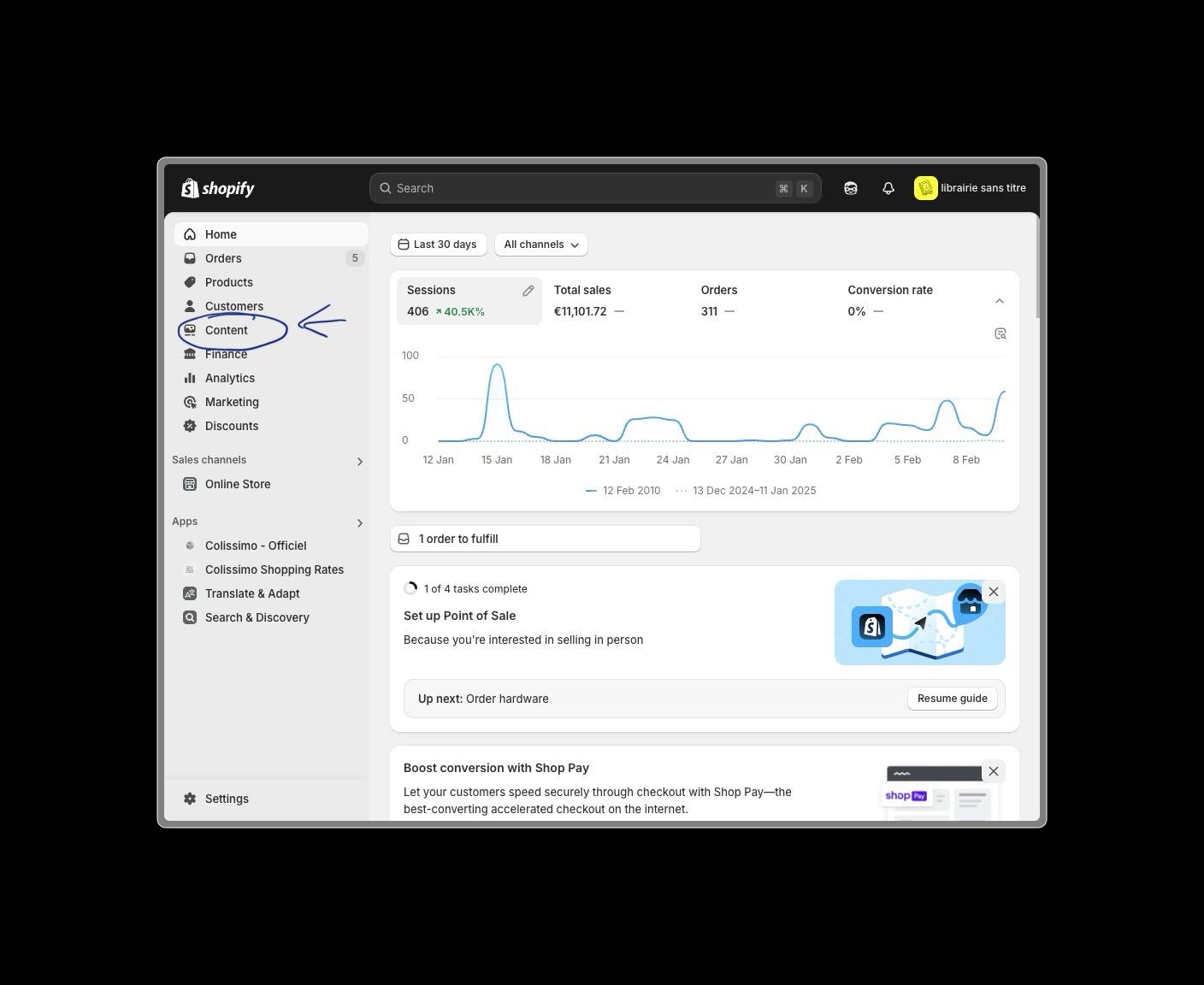
2. Navigate to Blog Posts
Go to Content in the admin sidebar
Go to Blogs in the admin sidebar
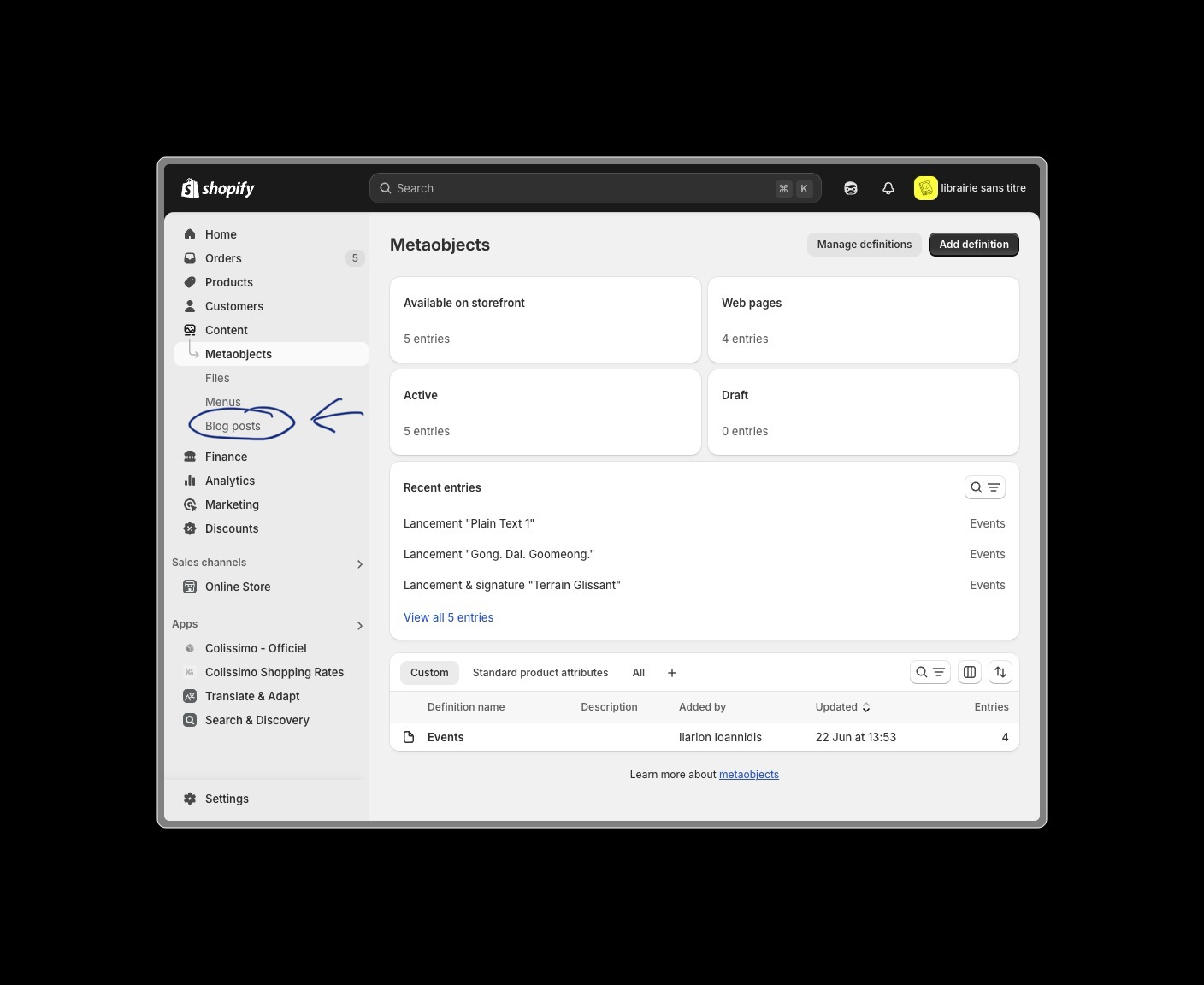
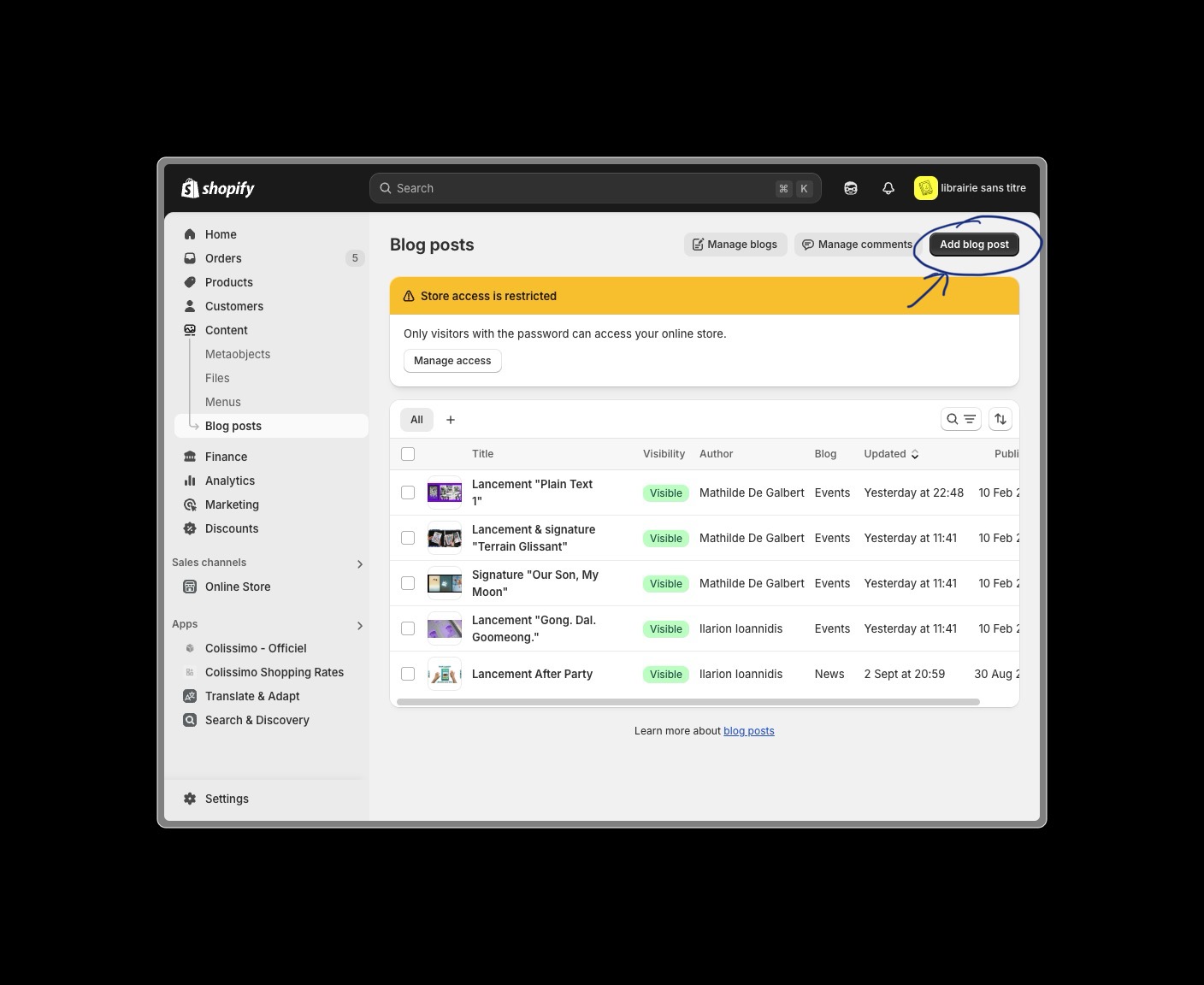
3. Create New Event Post
- Click the Add blog post button
4. Configure Event Settings
- Select Events from the blog type dropdown
- Choose the appropriate theme template
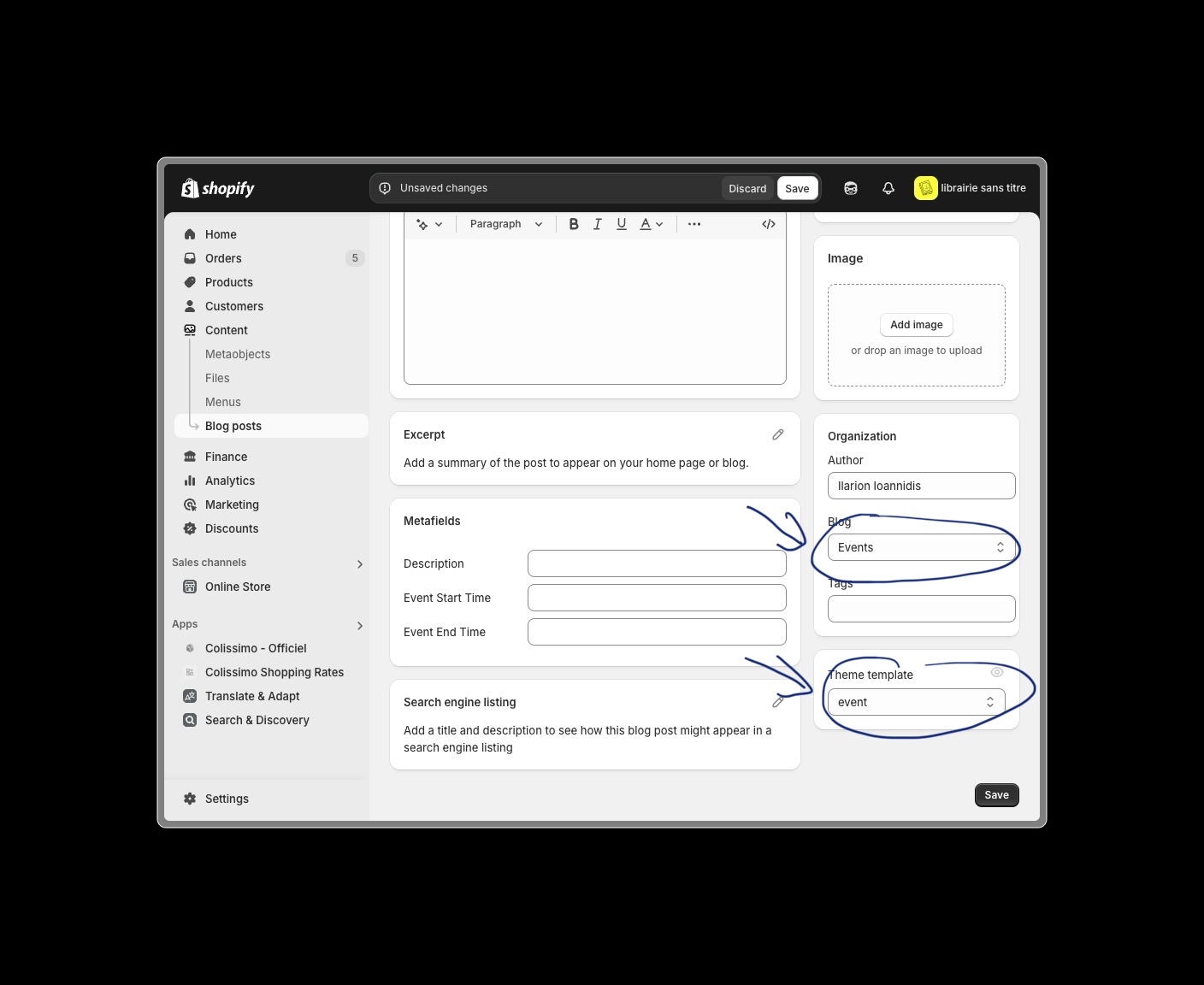
Template Selection
Make sure to select the "Event" template to ensure proper display and functionality of your event post.
5. Add Event Metafields
- Configure the event metafields with essential information:
- Event Starting Date and Time
- Event Ending Date and Time
- Description
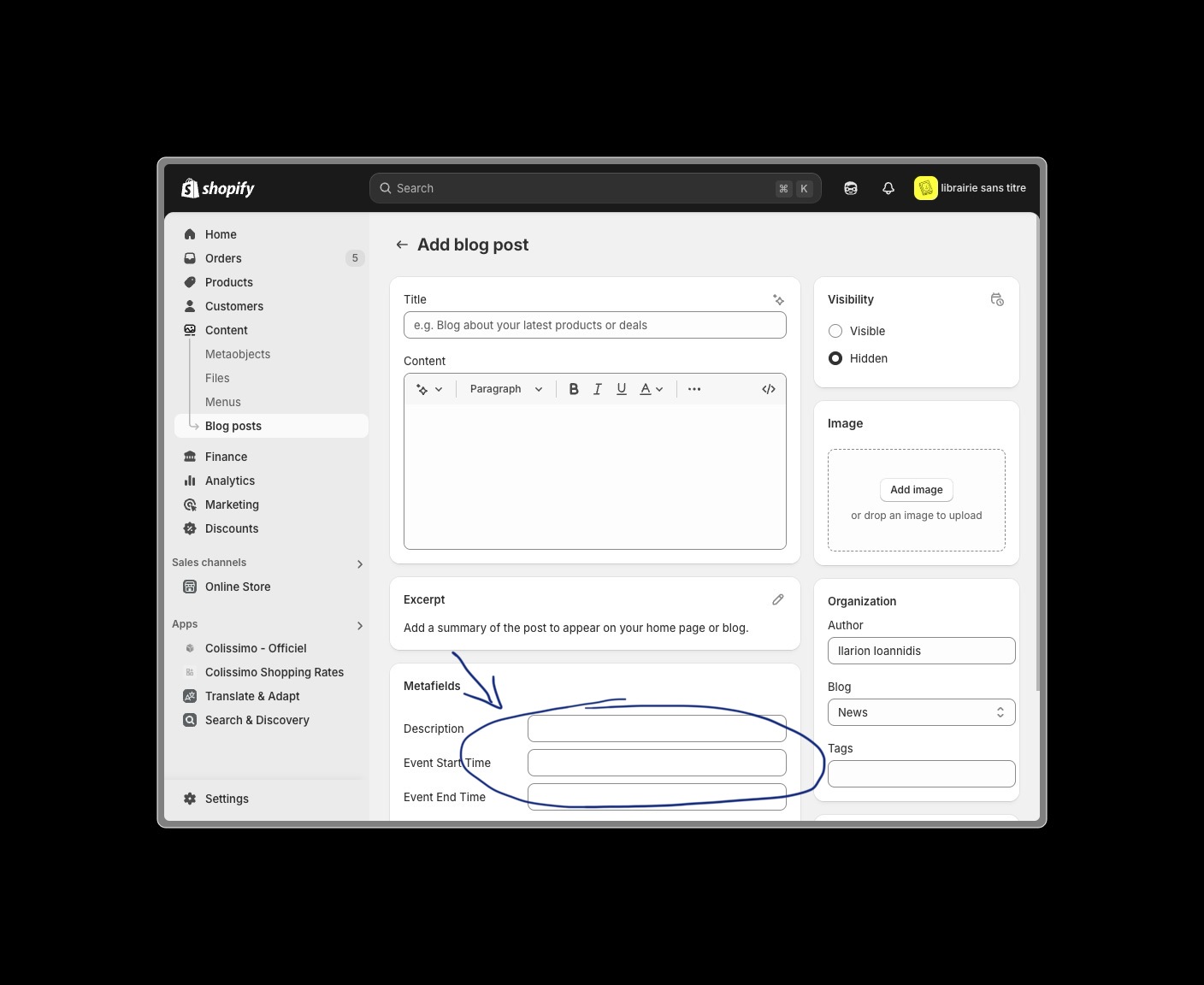
Important Metafields
These information will be used to display the event on the homepage.
6. Add Event Content
- Add the following details:
- Event title
- Featured image
- SEO details
- Author
- Any additional content
Content Best Practices
- Don't forget to add the event image and SEO details!
7. Publish the Event
- Review all event details
- Set visibility to Visible
- Click Save to publish